Route & Fare Management Every Route, Priced Right

Five connected tools for stage-wise fare updates, seat-level pricing, multi-route overrides, trip-by-trip adjustments and reusable templates.

Everything You Need to Manage Routes & Fares

From configuring route-level pricing to reviewing trips and reusing fare structures, explore the capabilities that help organise your fare-management operations.

Route & Fare Update

Review station pairs, distances and route-level fare fields in one structured workspace.
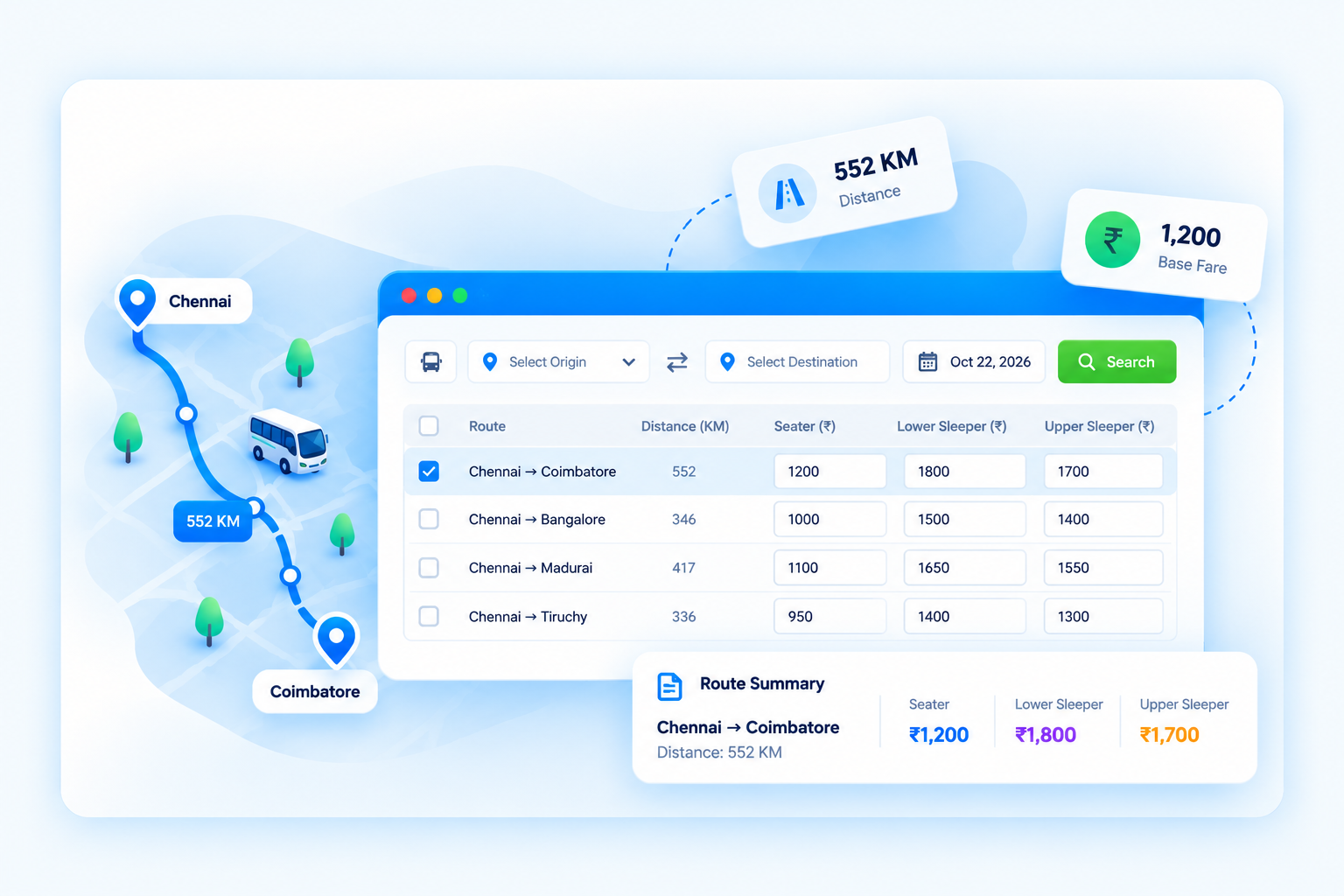
Route & Fare Update screen in EzeeBus

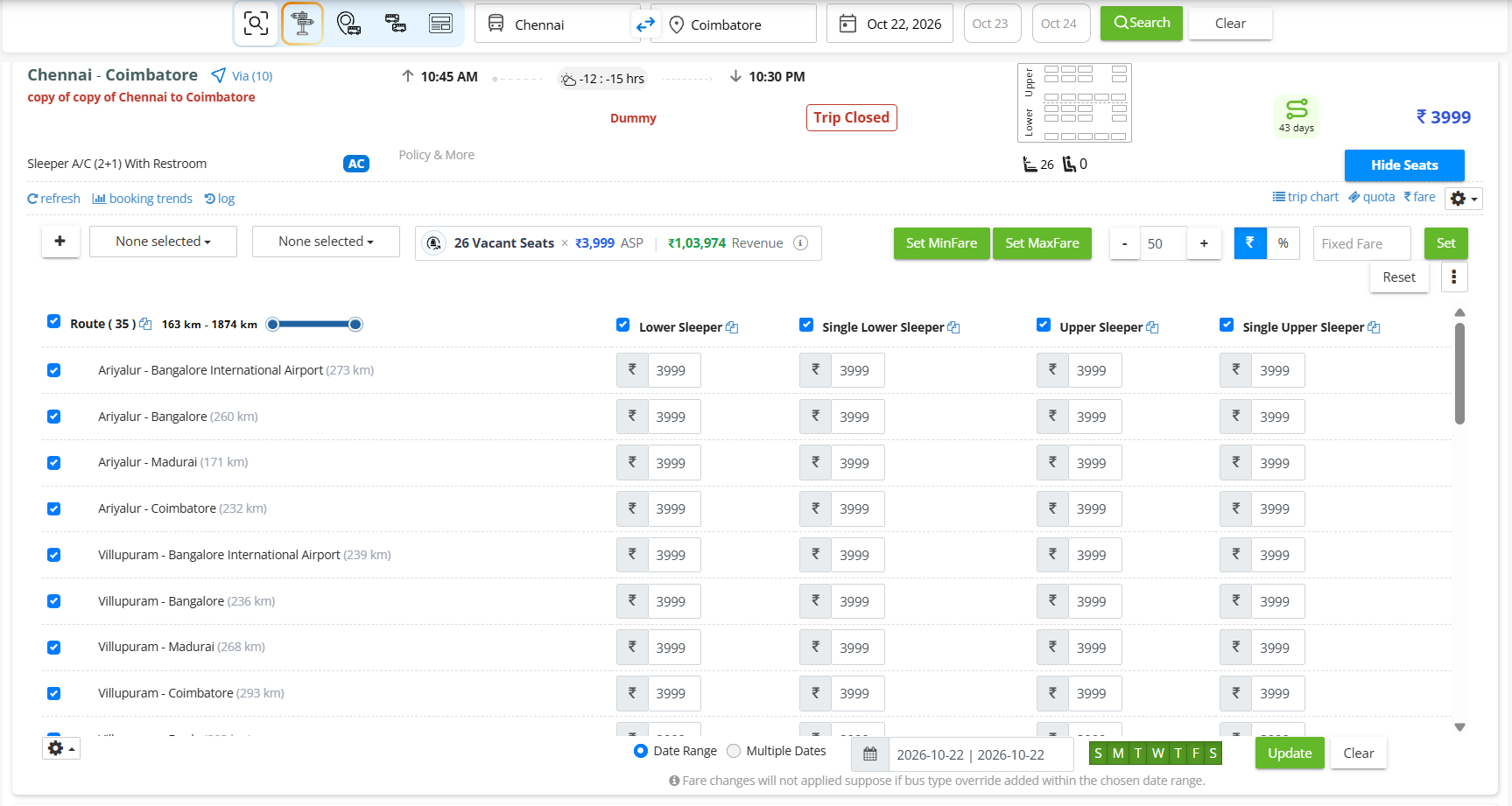
Seat Fare

Review station pairs, distances and route-level fare fields in one structured workspace.
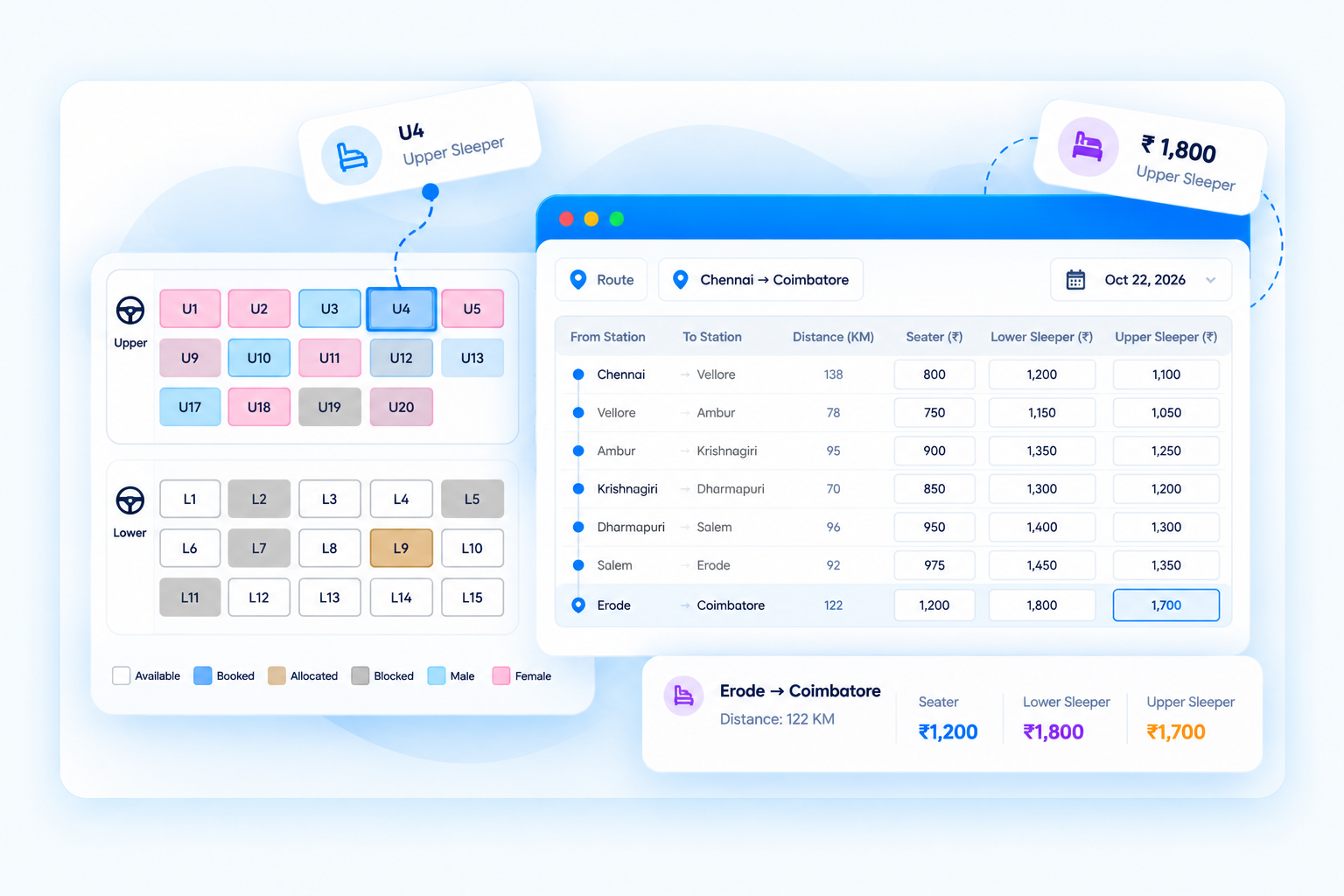
Seat Fare screen in EzeeBus

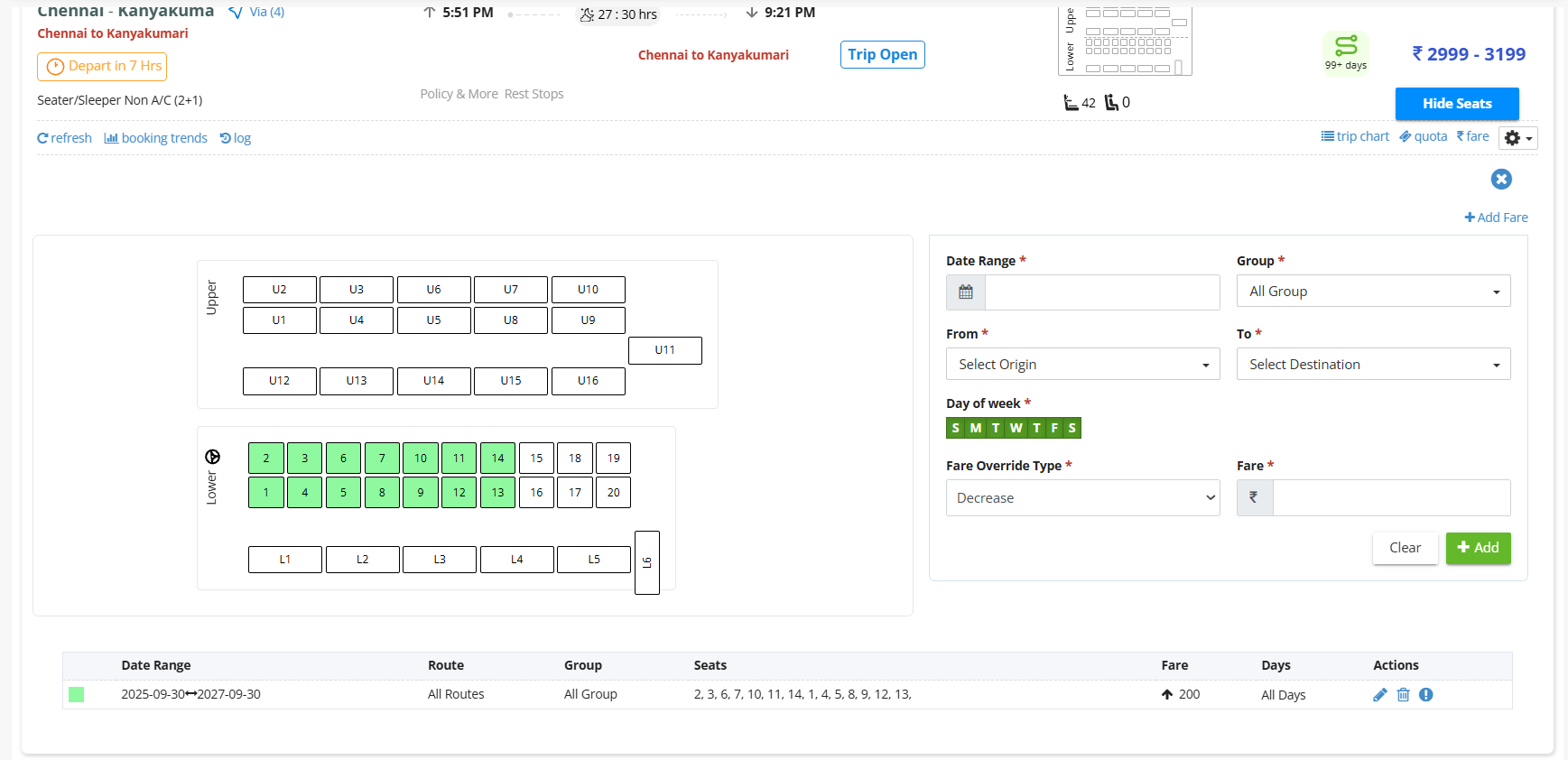
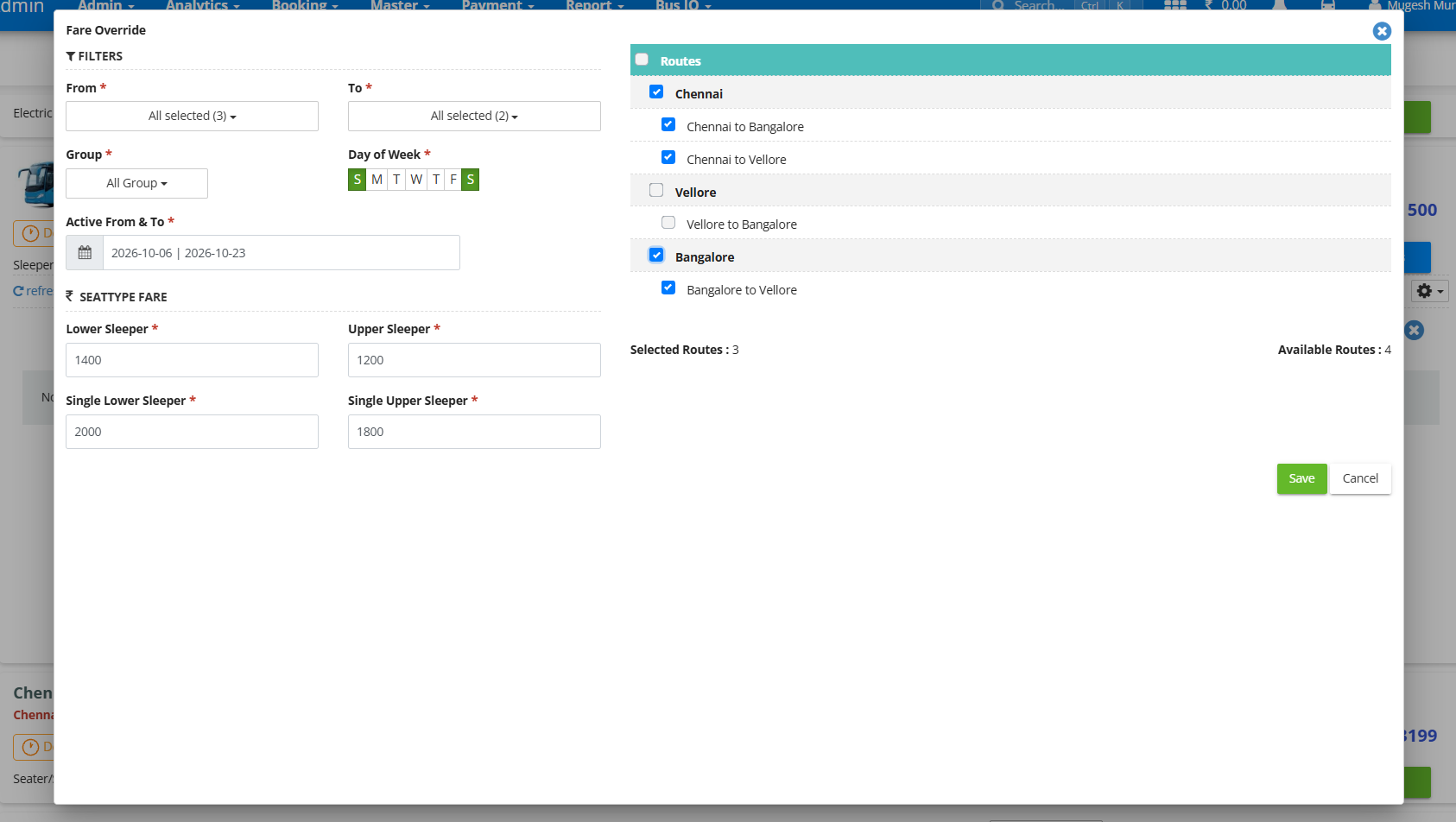
Fare Auto Override

Set fare overrides by route, date range, operating days and seat selection.
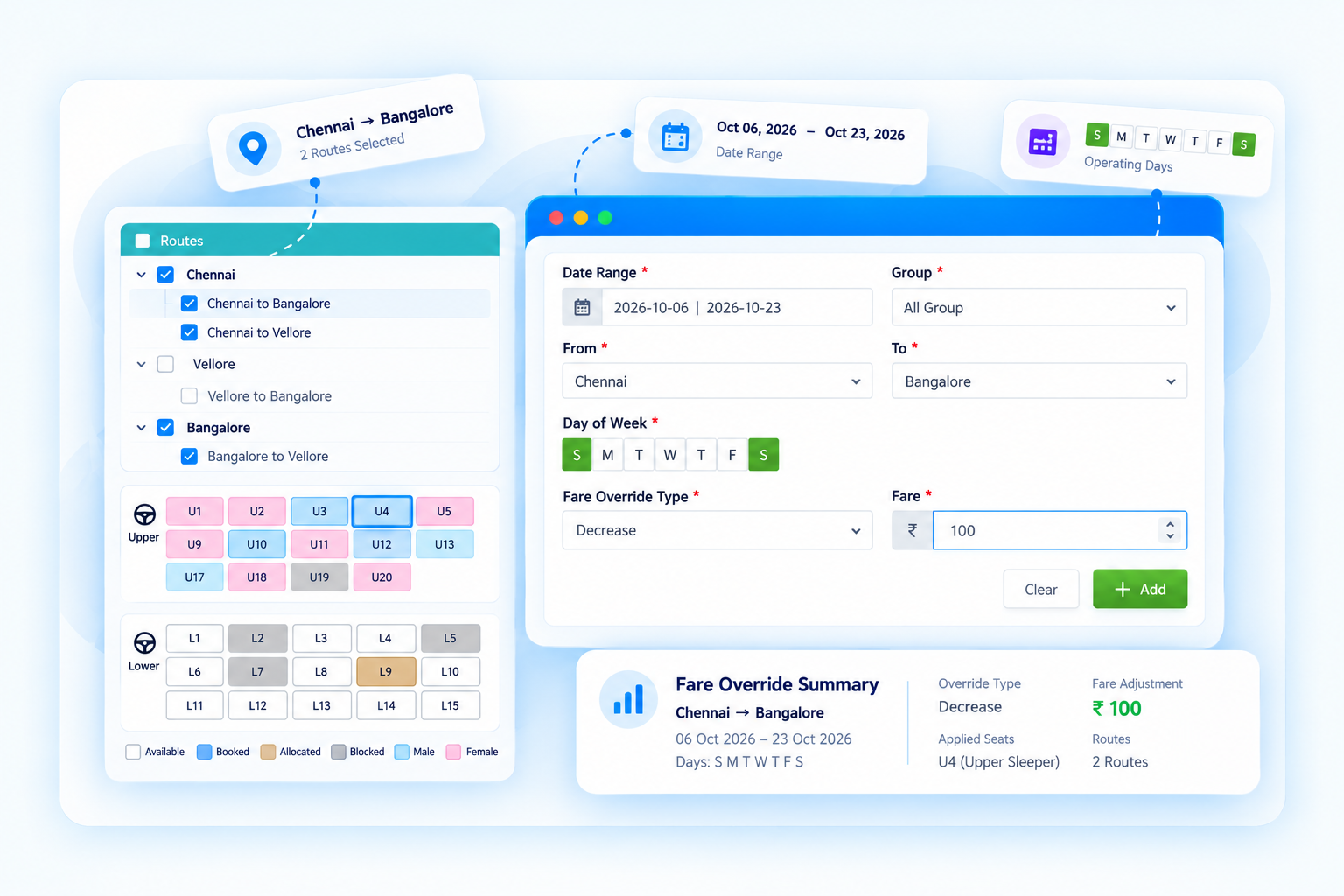
Fare Auto Override screen in EzeeBus

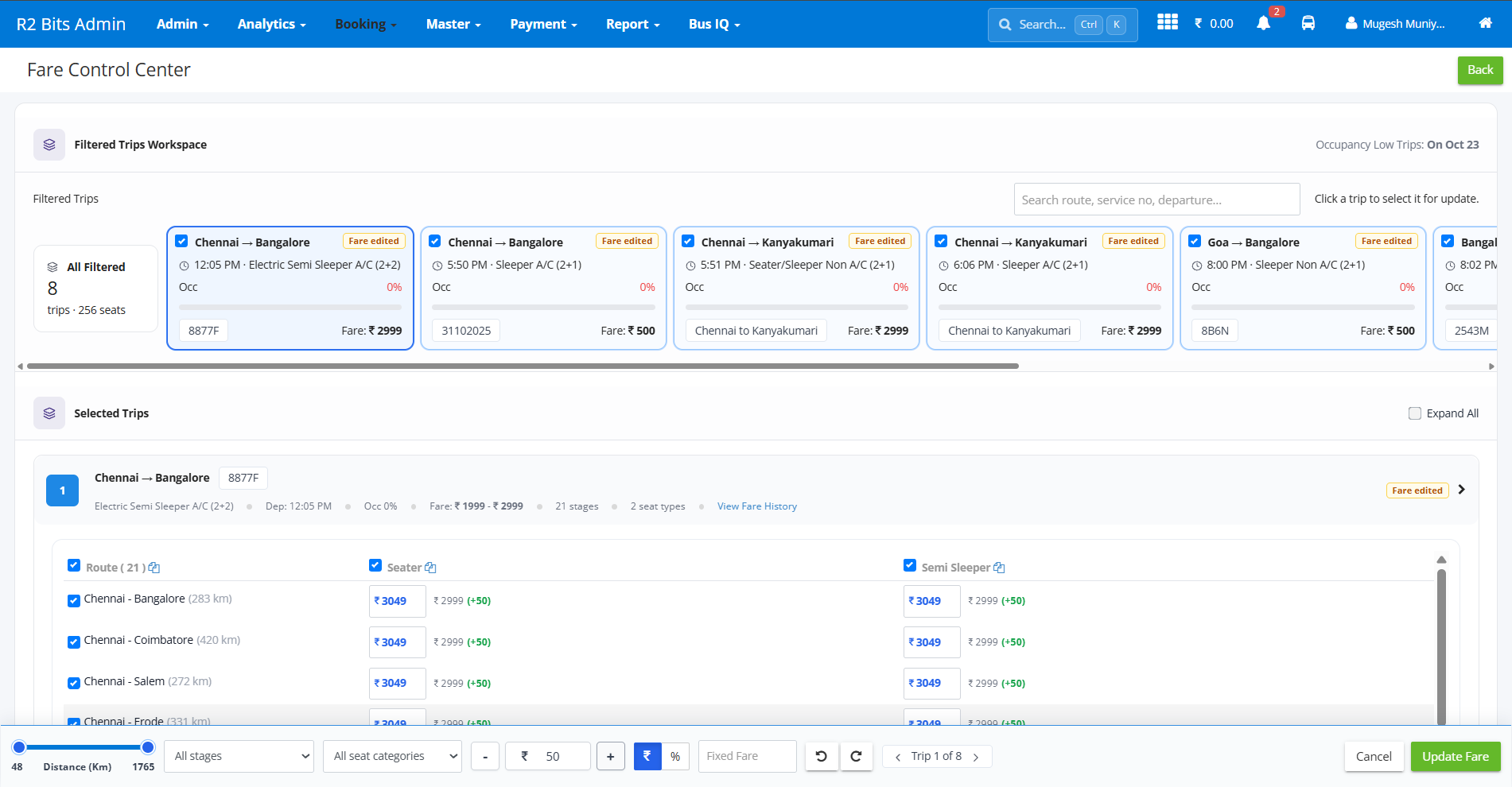
Fare Control Center

Bring eligible trips into one workspace to review occupancy and fare values.
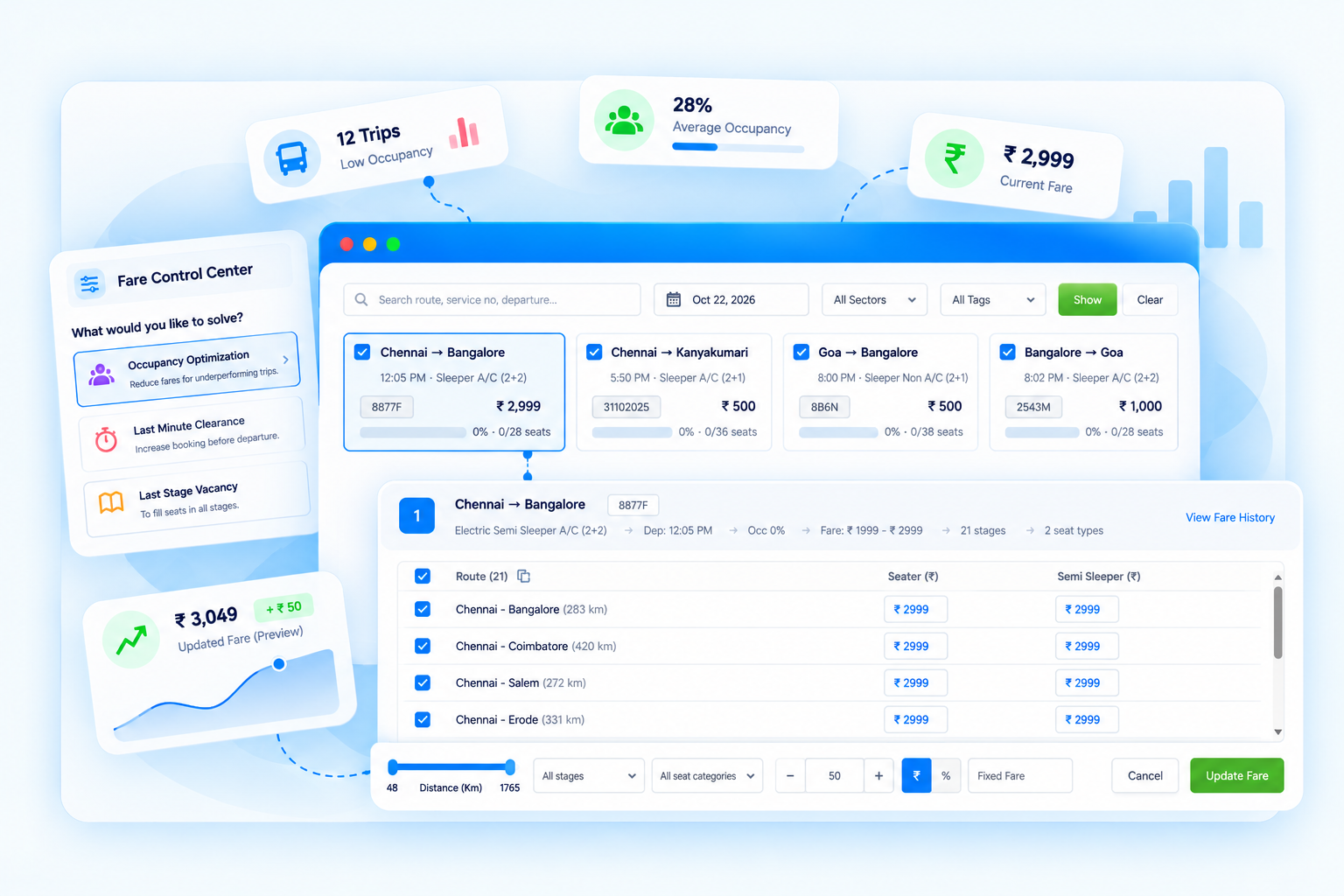
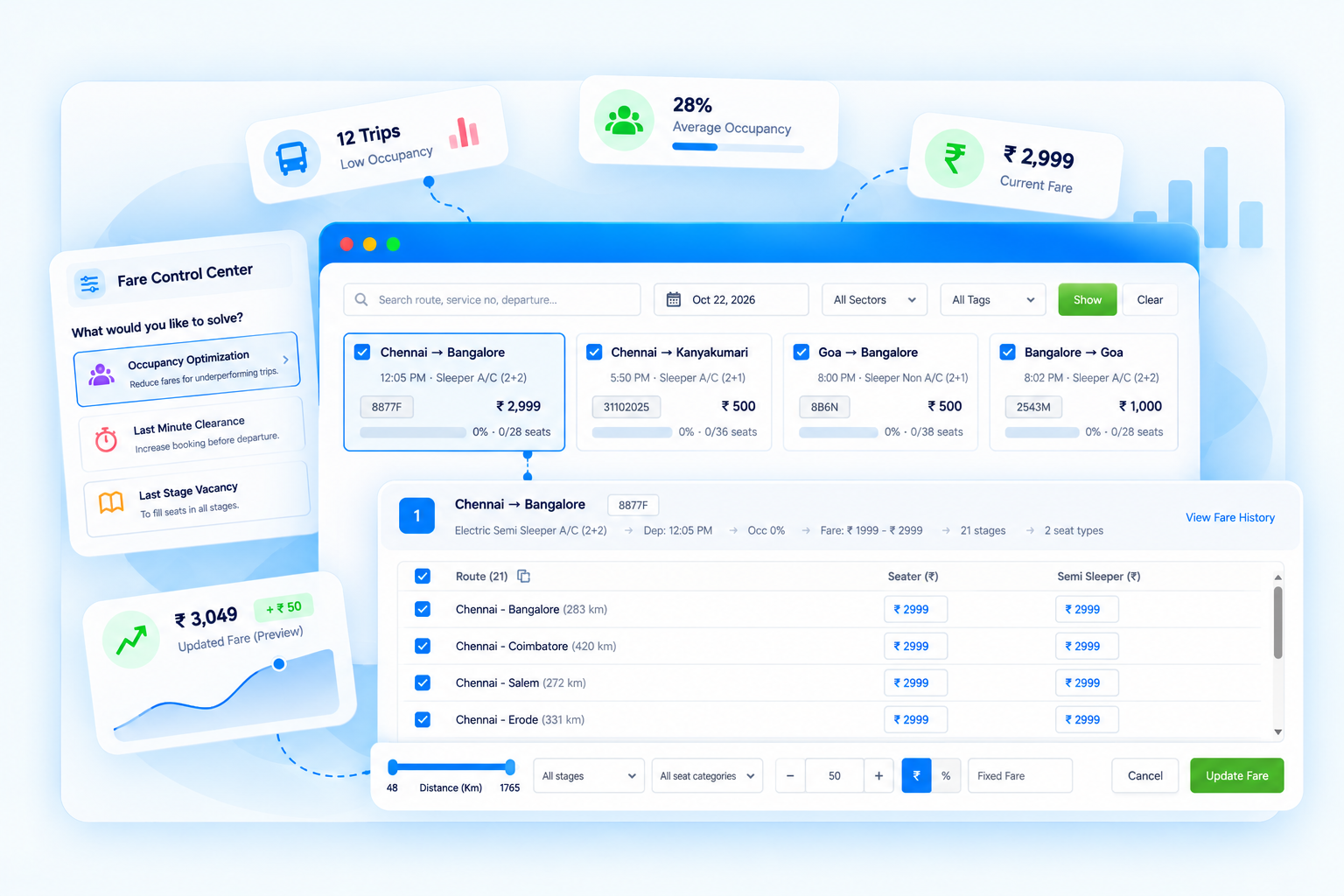
Fare Control Center screen in EzeeBus

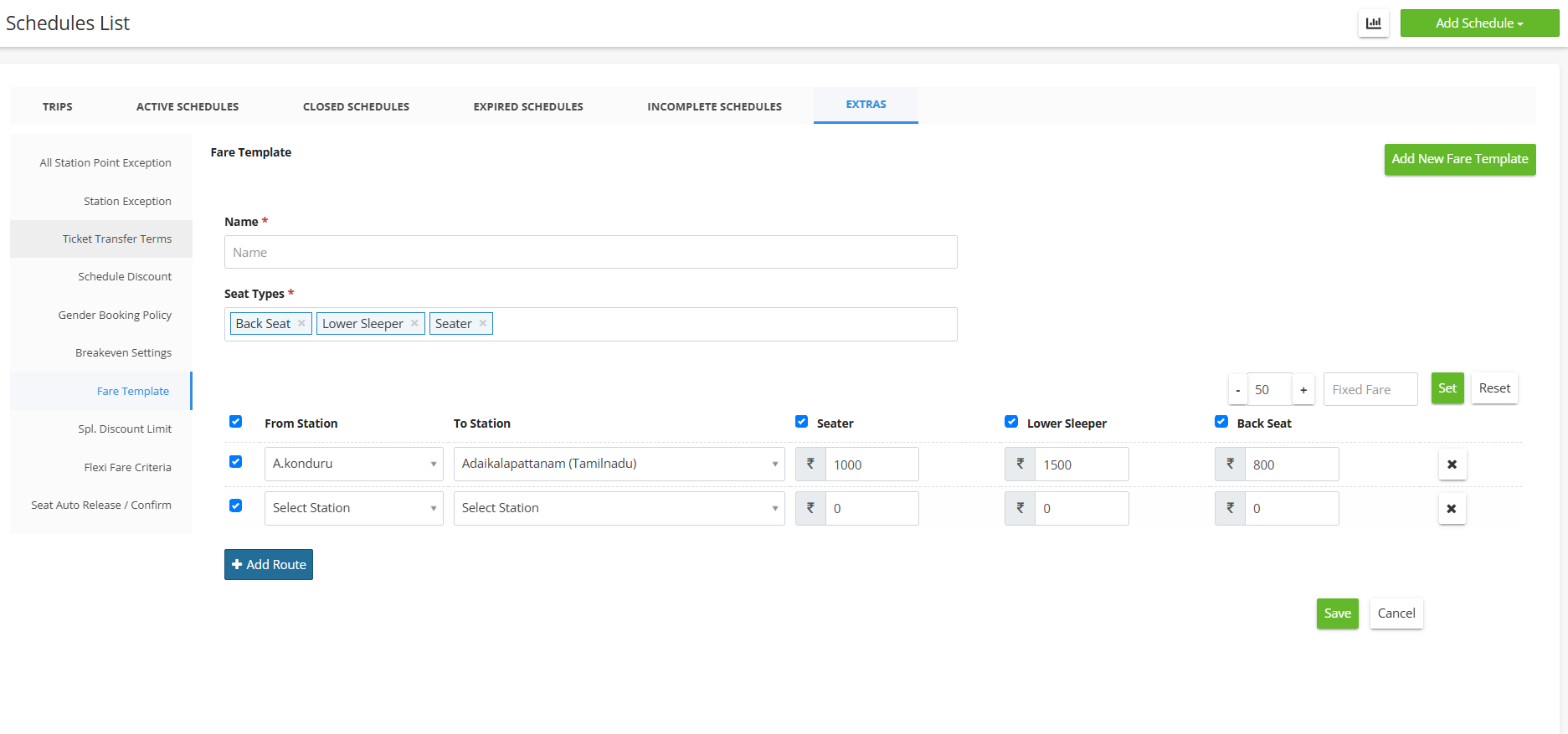
Fare Template

Keep named fare structures with routes and seat-category values ready to reuse.
Fare Template screen in EzeeBus

Five Capabilities: One Connected Fare Workflow

Route & Fare Update screen

Keep Every Route and Fare in Sync.

  • Review available routes and station pairs.
  • Understand route distances and selections.
  • Keep relevant fare configuration information organised.
Seat Fare screen

The Right Fare for Every Seat Type.

  • Review seat categories and their configured fares.
  • Understand pricing across route stages.
  • Compare related fare values in a structured interface.
Fare Auto Override screen

Configure Fare Changes With Greater Control.

  • Define the routes and date ranges to which settings apply.
  • Choose applicable operating days.
  • Configure and review supported fare adjustments.
Fare Control Center screen

Review Trips. Refine Fares. Stay in Control.

  • Find and select relevant trips by occupancy reviewed
  • Inspect route-stage and seat-category fare values.
  • Understand proposed fare adjustments before applying them.
Fare Template screen

Build a Fare Structure You Can Reuse.

  • Organise named fare templates.
  • Configure routes and supported seat categories.
  • Review and edit fare values within a structured layout.