Connect Every Route. Create Seamless Journeys.

Bring multiple bus schedules together into one connected journey. Configure connecting routes, manage transfer points and help passengers discover convenient travel options between destinations.

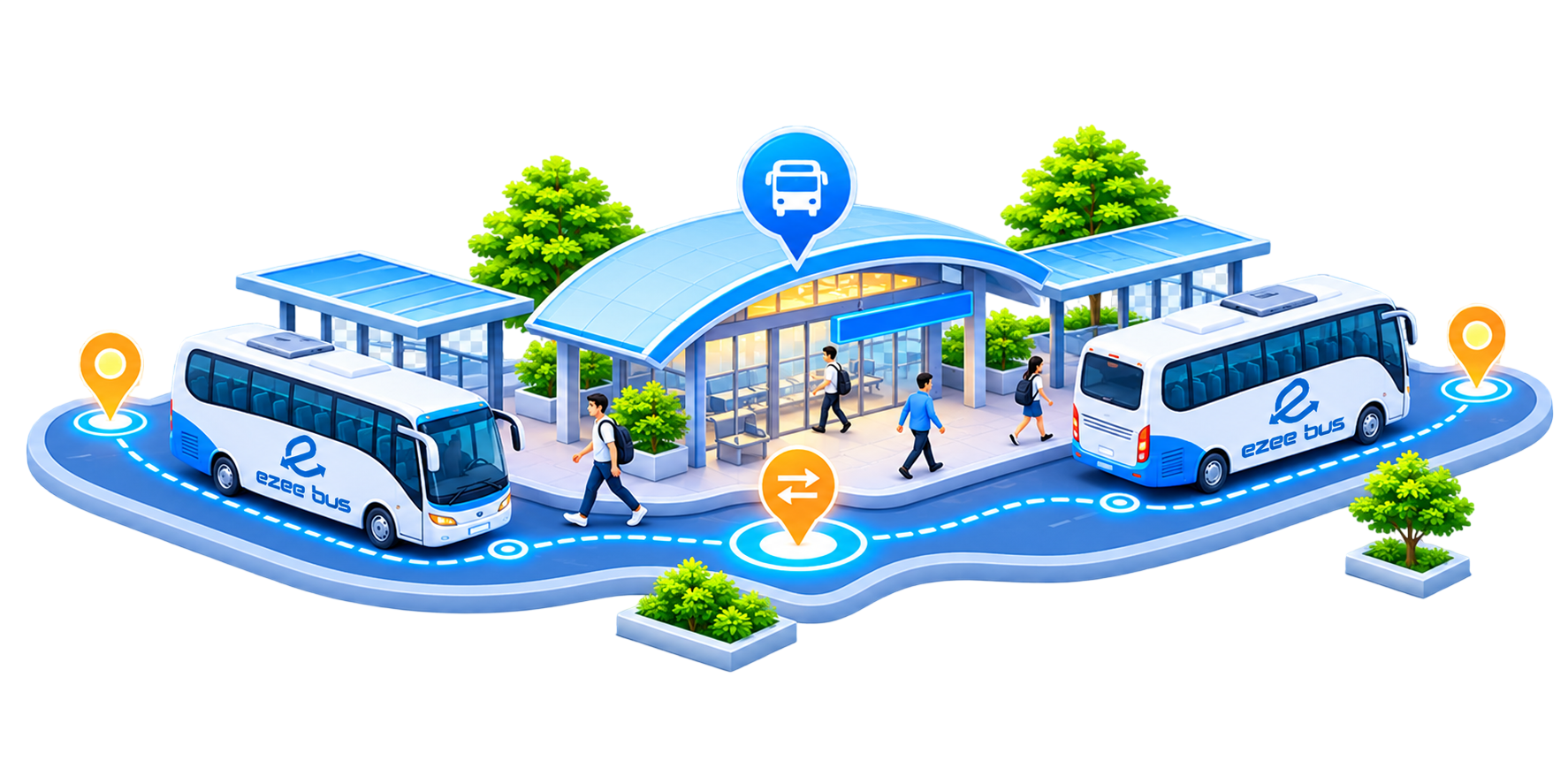
Two EzeeBus buses meeting at a transfer station while passengers change between connecting trips

Everything You Need to Build
Connected Journeys

From schedule selection to route configuration, manage every stage of connecting trip setup through one structured workflow.

Flexible Schedule Connections

Combine multiple operating schedules to create convenient connecting journeys between destinations.
Flexible Schedule Connections

Smart Transfer Point Mapping

Define the connecting station and specific transfer points between the originating and onward schedules.
Smart Transfer Point Mapping

Automated Connecting Routes

Create connecting route combinations manually or use automated route generation to simplify configuration.
Automated Connecting Routes

One Connected Passenger Journey

Help passengers discover available connecting trips with transfer locations, timings and route segment information.
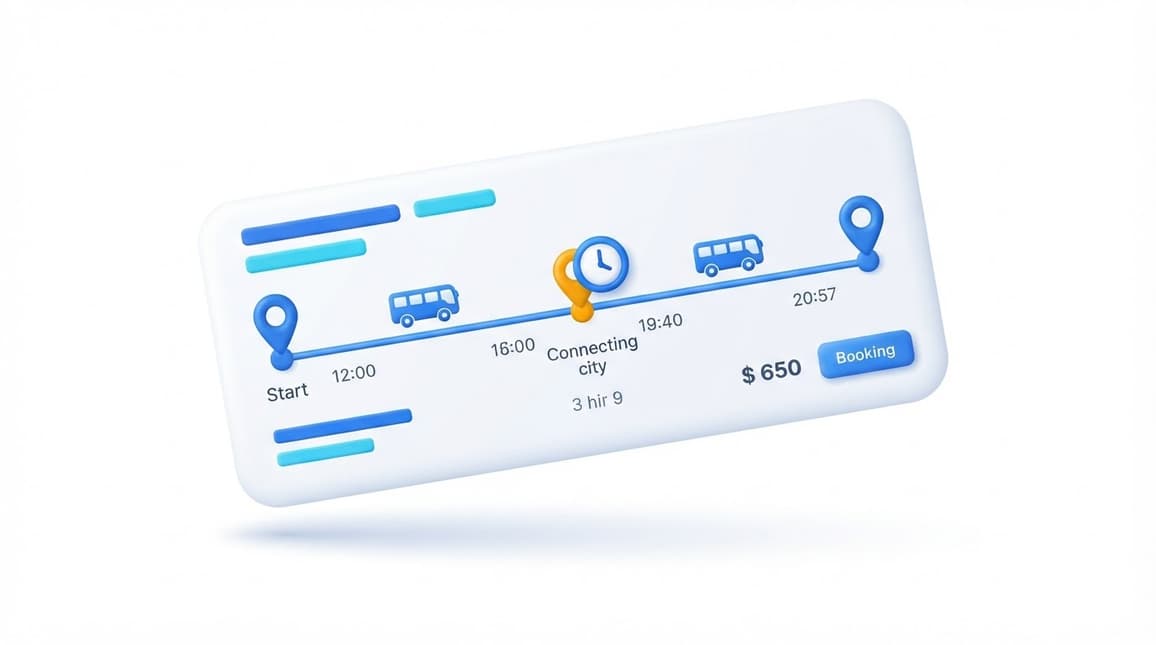
One Connected Passenger Journey

Multiple Schedules One Connected Journey.

Connect individual bus services through a structured transfer system. Bring separate schedules together, configure connecting stations and create route combinations that make multi-leg journeys easier to discover.

  • Connect multiple operating schedules.
  • Define precise transfer stations and points.
  • Configure multiple connecting route combinations.
Connected journey 1 Connection
ChennaiOrigin
MaduraiConnecting station
KanyakumariDestination
Schedule A Schedule B

From Separate Schedules to Connected Routes.

Configure your connecting journeys through four simple stages. Each step builds on the previous one to establish a complete connection between services.

Basic Configuration

Set up the connecting schedule with its essential information.
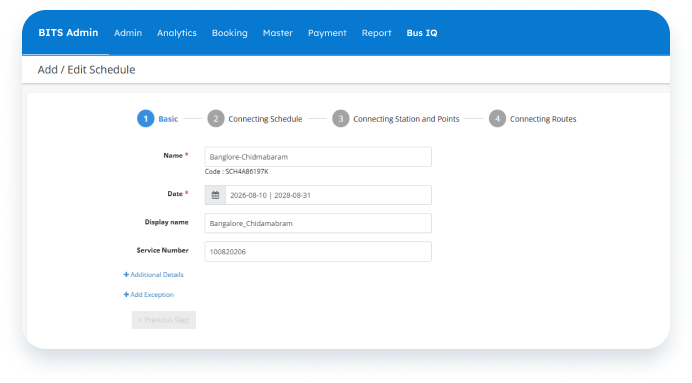
  • Connecting trip name
  • Active date range
  • Display name
  • Service number
  • Additional details and exceptions
Outcome: A named connecting trip with its active period and service details, ready to link schedules.
Basic Configuration - BITS Admin screen

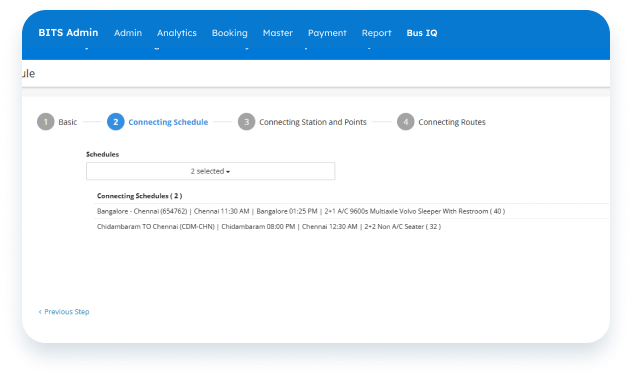
Select Connecting Schedules

Choose the individual bus schedules that should be linked together.
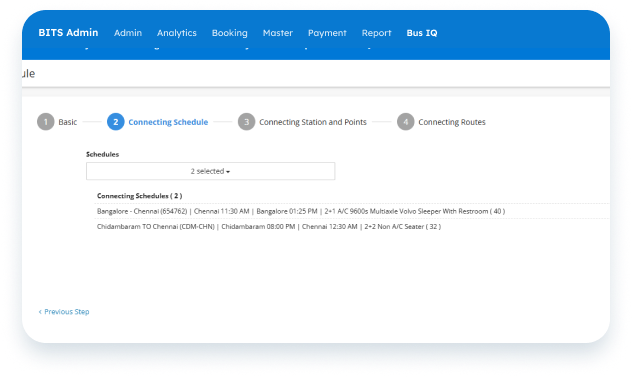
  • Originating schedule
  • Onward schedule
  • Schedule search & selection
  • Selected schedules
  • Schedule order and timings
Outcome: The originating and onward schedules linked together into one connecting trip.
Select Connecting Schedules - BITS Admin screen

Configure Connecting Stations and Points

Define where passengers transfer from one schedule to another.
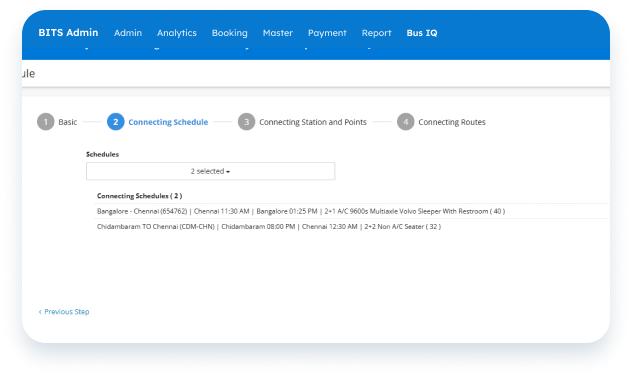
  • From Schedule
  • To Schedule
  • Connecting Station
  • Connecting Station Point
Outcome: The exact station and point where passengers change from one service to the next.
Configure Connecting Stations and Points - BITS Admin screen

Configure Connecting Routes

Define the route combinations offered between the connected services.
  • Connecting From Station
  • Connecting To Station
  • Add Connecting Route
  • Refresh / Generate Routes
  • Activate Connecting
Outcome: Bookable connecting routes that passengers can find and book as one journey through the connected services.
Configure Connecting Routes - BITS Admin screen

Help Passengers Find Their Next Connection.

Present connecting trip options in a clear journey format, allowing passengers to understand the route segments, transfer location and journey timings before selecting a trip.
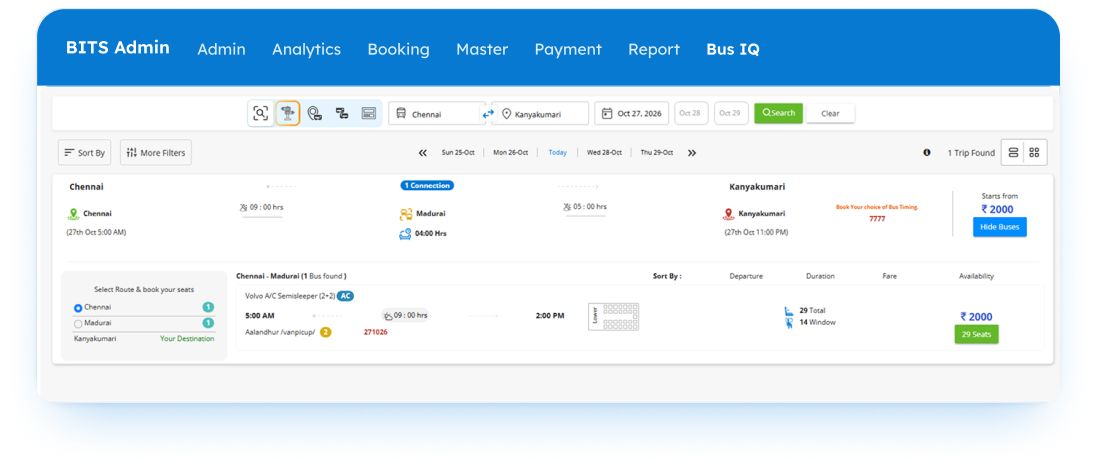
Connecting trip search result showing Chennai to Kanyakumari via Madurai - BITS Admin screen
1 Connection18:00 hrs
ChennaiMaduraiKanyakumari
Change buses at MattuthavaniMadurai · 04:00 hrs between services
  1. 1Search Source & Destination

    Passengers enter where they start and where they want to go, just like a direct search.

  2. 2Connecting Trip Found

    When no single bus covers the route, the result shows a trip linking two schedules.

  3. 3Transfer Point & Wait Time

    The connecting station is shown clearly, along with the time between buses.

  4. 4Every Bus Segment

    Each leg lists its bus, boarding point, departure, arrival and duration.

More Route Possibilities. Better Journey Planning.

Simplified Schedule Management

Bring multiple operating schedules together through one structured configuration.

Flexible Route Combinations

Create different origin-to-destination combinations through connecting services.

Clear Transfer Configuration

Define the exact connecting station and transfer point between schedules.

Better Passenger Discovery

Make connecting travel options and route segments easier for passengers to understand.